Field notes

Technical notes for onboard AV/IT work

Practical diagnostic sequences and decision points for Chief Engineers and ETOs responsible for connected systems.

01 Fault isolation

Strong signal confirms the radio link to an access point. It does not confirm that the client has the correct address, VLAN, gateway, DNS path or working upstream service.

Next useful checks

  • Identify the affected client, SSID, location and service
  • Test the local gateway before testing the internet path
  • Separate DNS failure from loss of IP connectivity
  • Compare the client and switch path with a known-good reference
Read the field note

02 Remote access

Which companies can still reach the vessel?

7 minute read

Remote support paths accumulate through refits, warranty work and service visits. Each path needs a technical purpose, accountable owner, approval condition and closure action.

Next useful checks

  • Inventory VPNs, forwarded services, cloud relays and remote-support tools
  • Record the accountable onboard and external owner for each path
  • Replace shared or inherited access where practical
  • Close temporary access and retain evidence of the final state
Read the field note

03 Lifecycle

Age is one input, not the decision. The useful question is whether the equipment remains supportable, recoverable and compatible with the service the vessel needs.

Next useful checks

  • Define the operational impact and observed failure mode
  • Check supportability, spares, backups and configuration custody
  • Map dependencies before approving a partial replacement
  • Specify acceptance and recovery before the work window begins
Read the field note

Common review areas

Remote access, wireless coverage and equipment lifecycle

These notes show the type of evidence and decisions that can be included in a review or diagnostic scope.

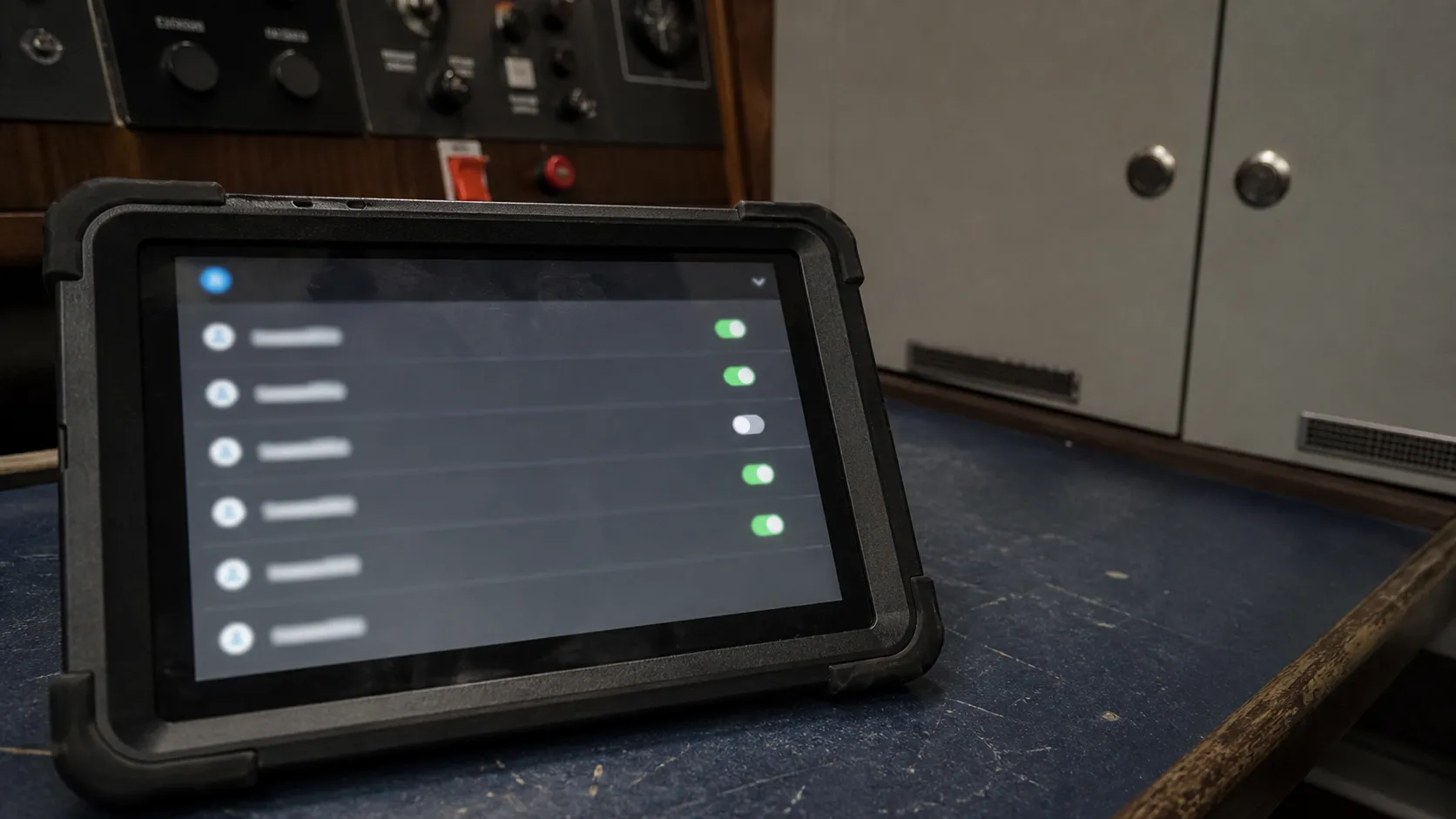
Tablet displaying an unreadable remote-access register.
Remote-access review
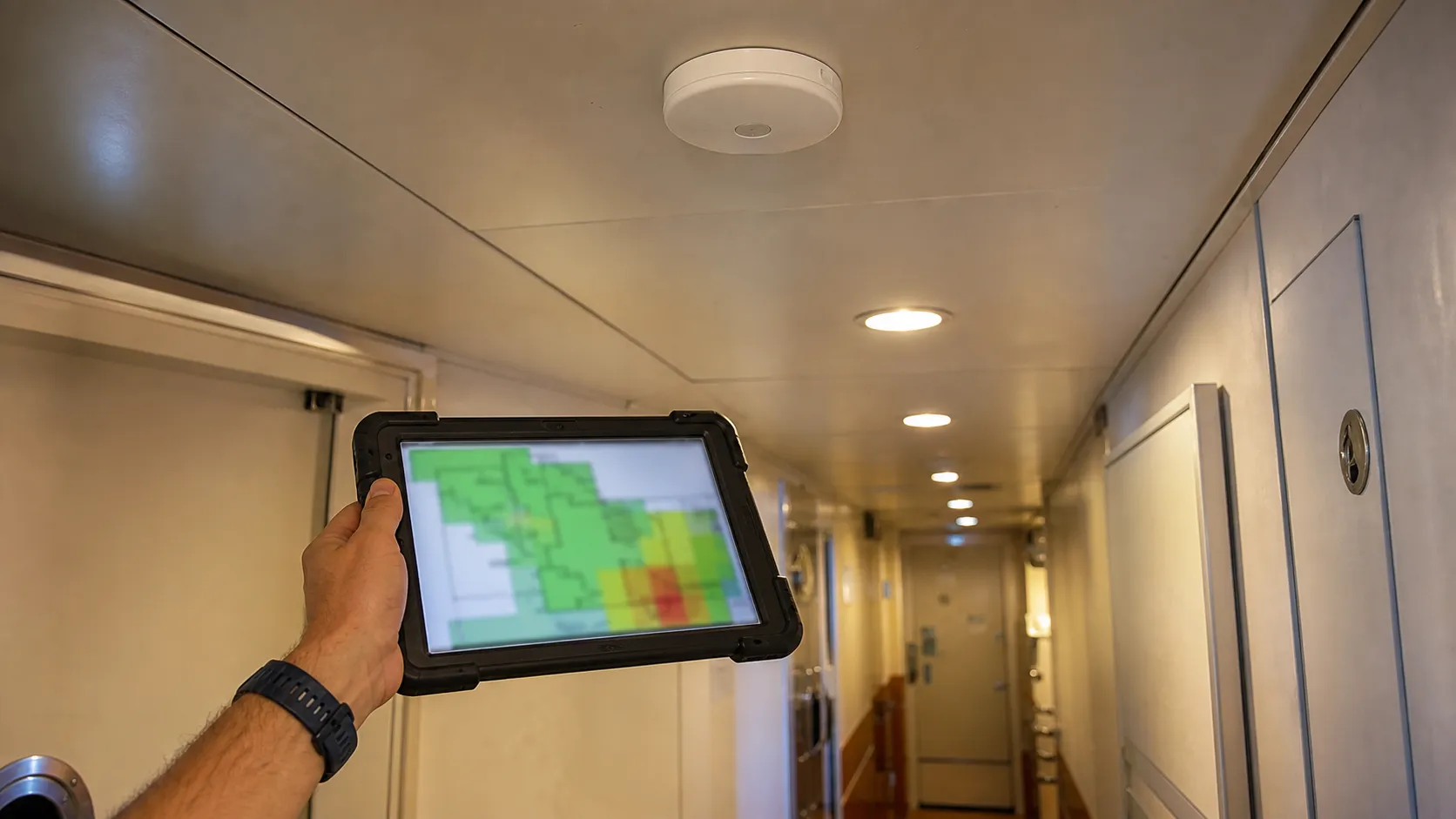
Wireless access point being surveyed in a yacht corridor.
Coverage verification
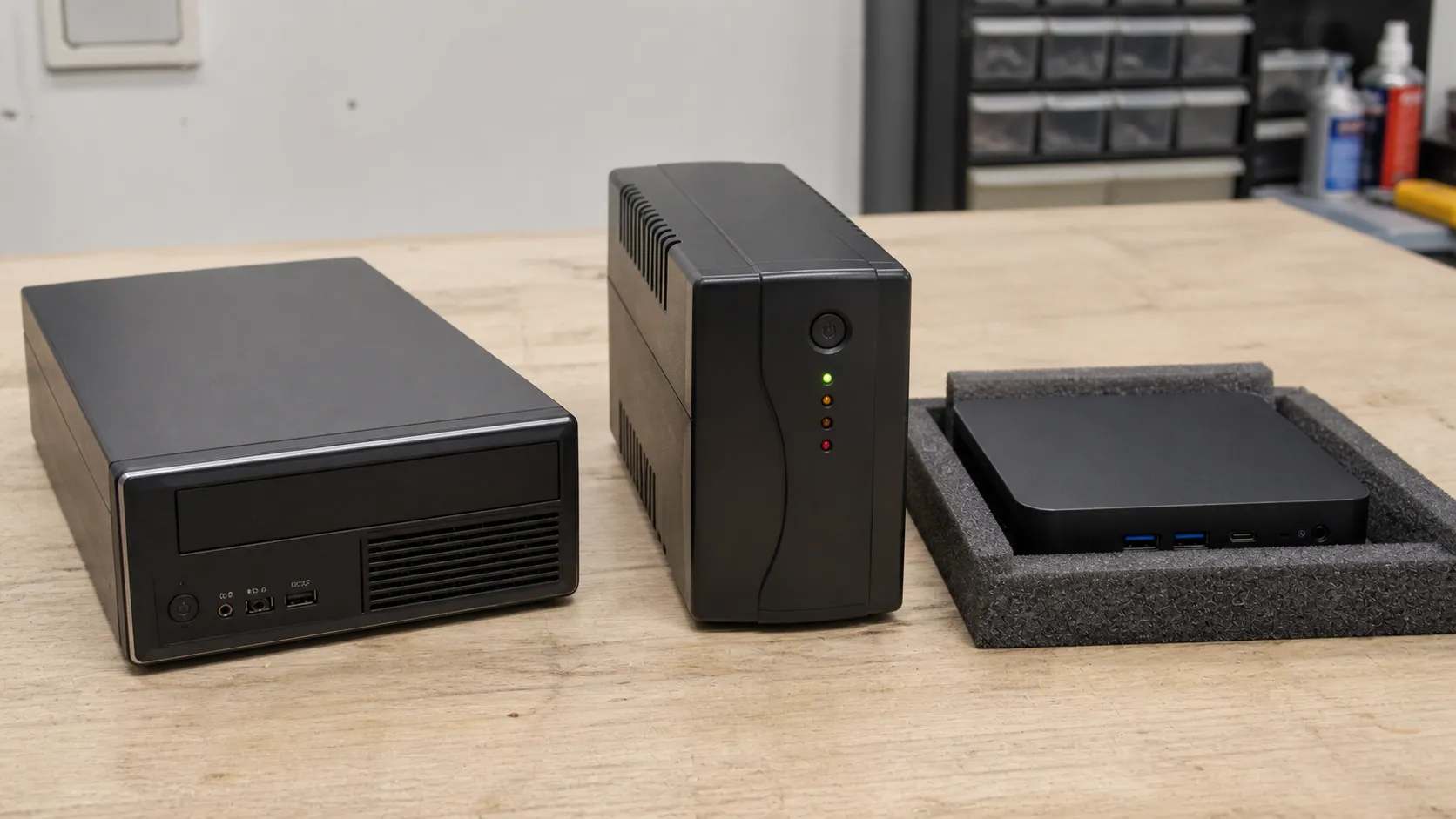
Older compact computer and UPS beside a newer mini PC.
Preserve / repair / replace

Service enquiry

For a specific issue, include the broad location, affected service, observed behaviour and available work window.

Prepare a service enquiry